If you forget your password
A code to your address, then a new password — in one screen.
Where it is
/console/reset
What to do
- On the sign-in screen press Get back in another way. You land on Forgotten the password — that is the heading, not a second press — and there you press Send me a code.
- Open the mail and take the code.
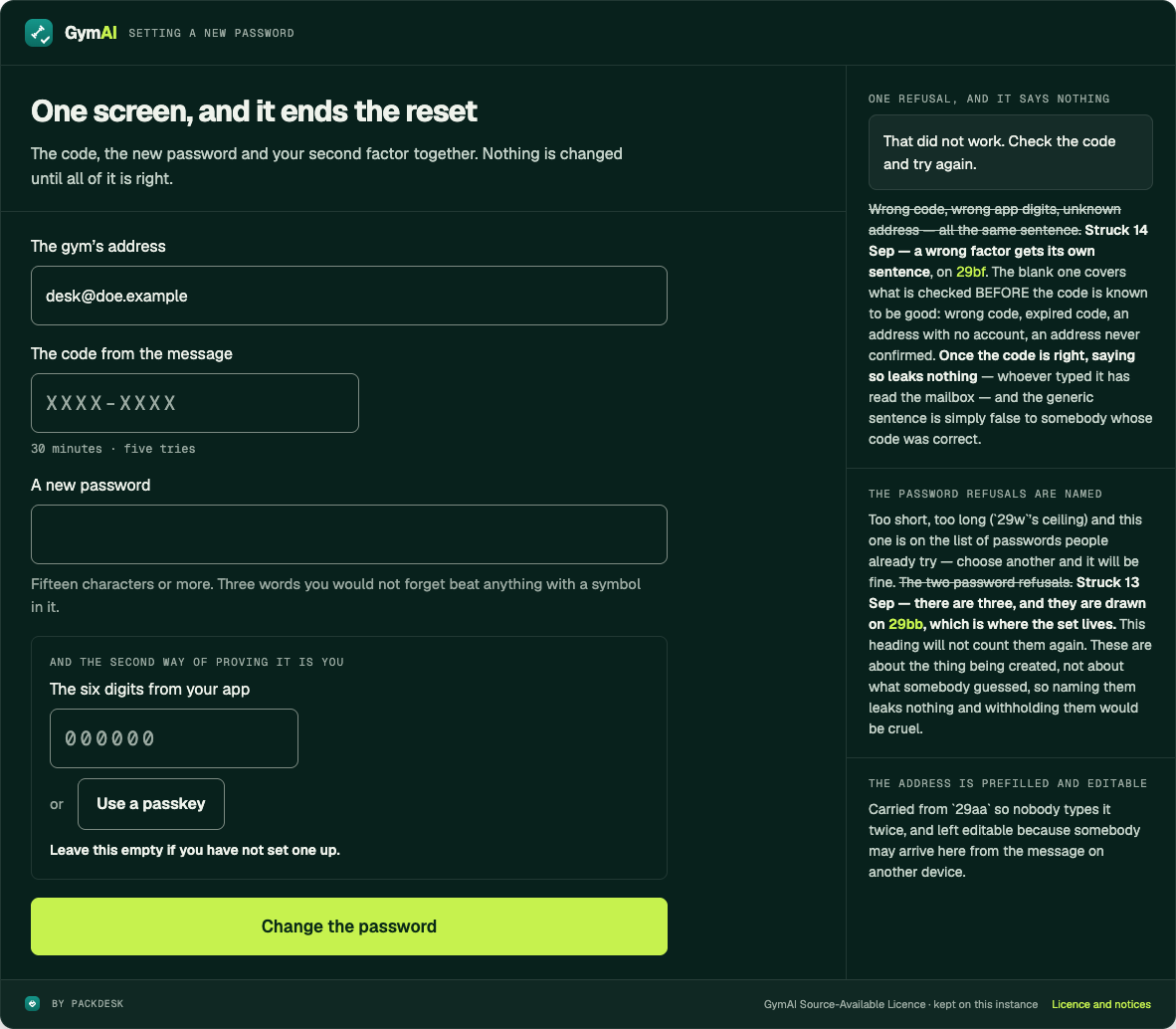
- On the one screen that follows, type the code, type the new password, and add either The six digits from your app or Use a passkey. If you have neither, leave it empty — the code alone is then the whole way in.
- Press Change the password.
Worth knowing
- The code lasts 30 minutes and you get five tries.
- The new password obeys the same rule as the first: 15 characters or more, and not one of the common ones.
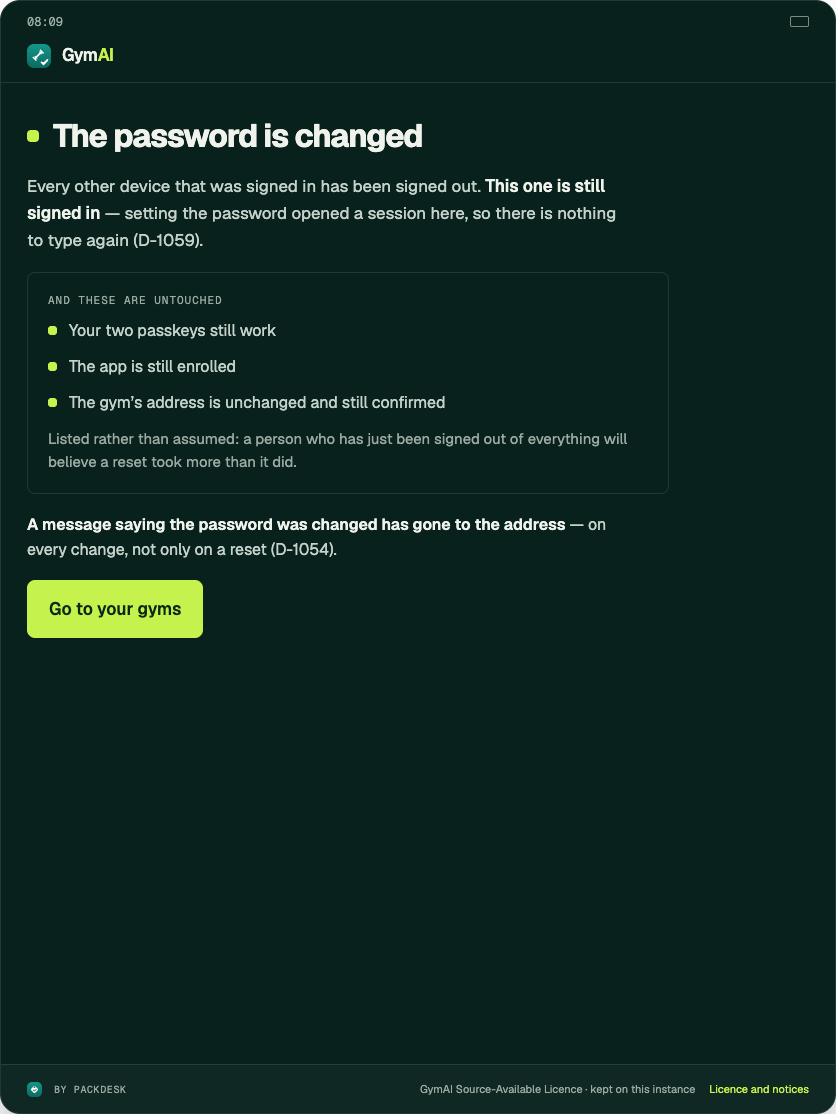
- Every other device is signed out. The one you are on stays in.
- The last button is Go to your gyms.
checked against the product 21 September 2026