Confirm your address
We send a code to the address you registered. Until you type it back, the account can read but do nothing — and it does not last.
Where it is
/console/confirm
What to do
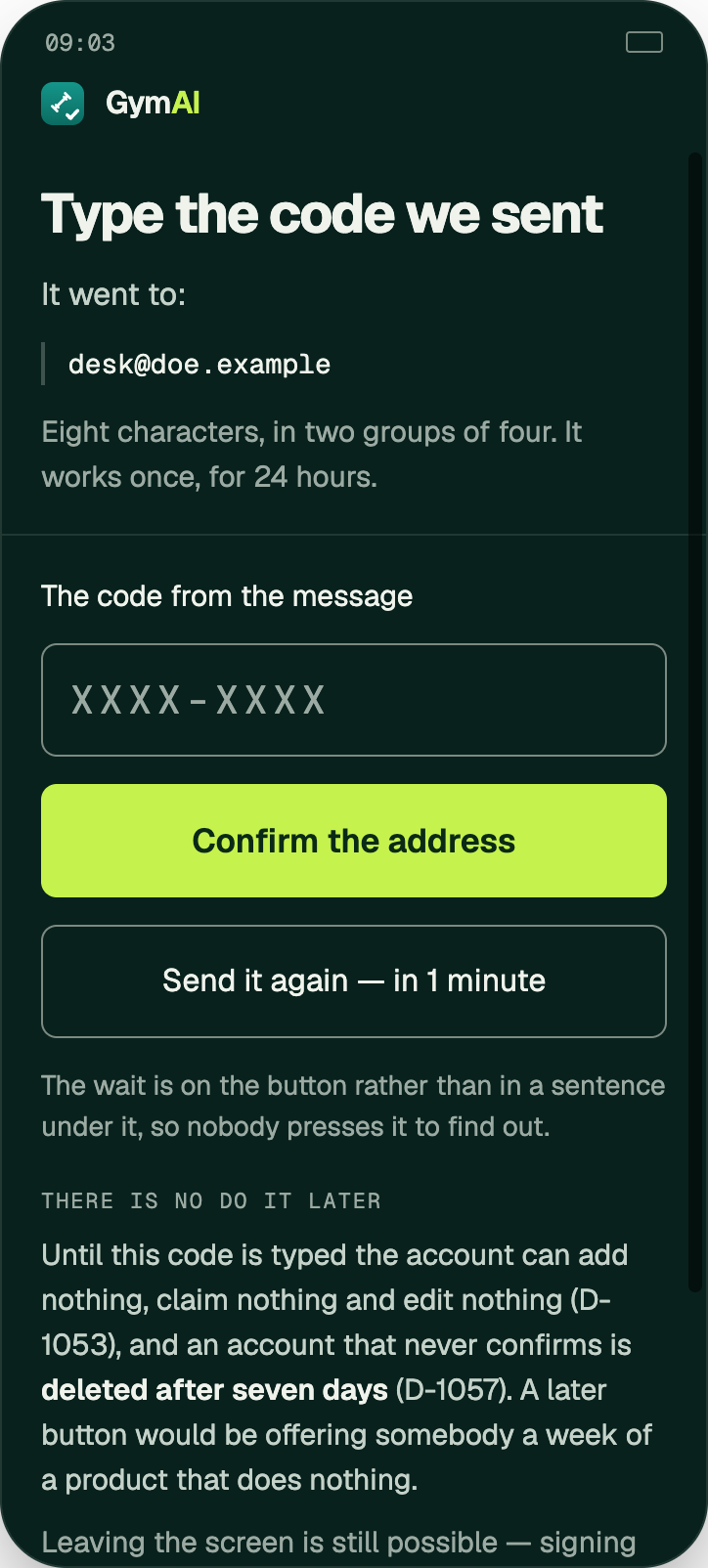
- Open the mail we sent and find the code. It looks like K7QP-3M2D.
- On Type the code we sent, type it in. The dash, capitals and spaces make no difference — the screen says so itself if the code is wrong.
- Press Confirm the address.
Worth knowing
- The code is 8 characters, works once, lasts 24 hours, and you get five tries.
- No code? Send it again appears on the button after a minute — until then the button itself says how long is left, as Send it again — in 1 minute. It always goes to the address the account holds; you cannot point it somewhere else.
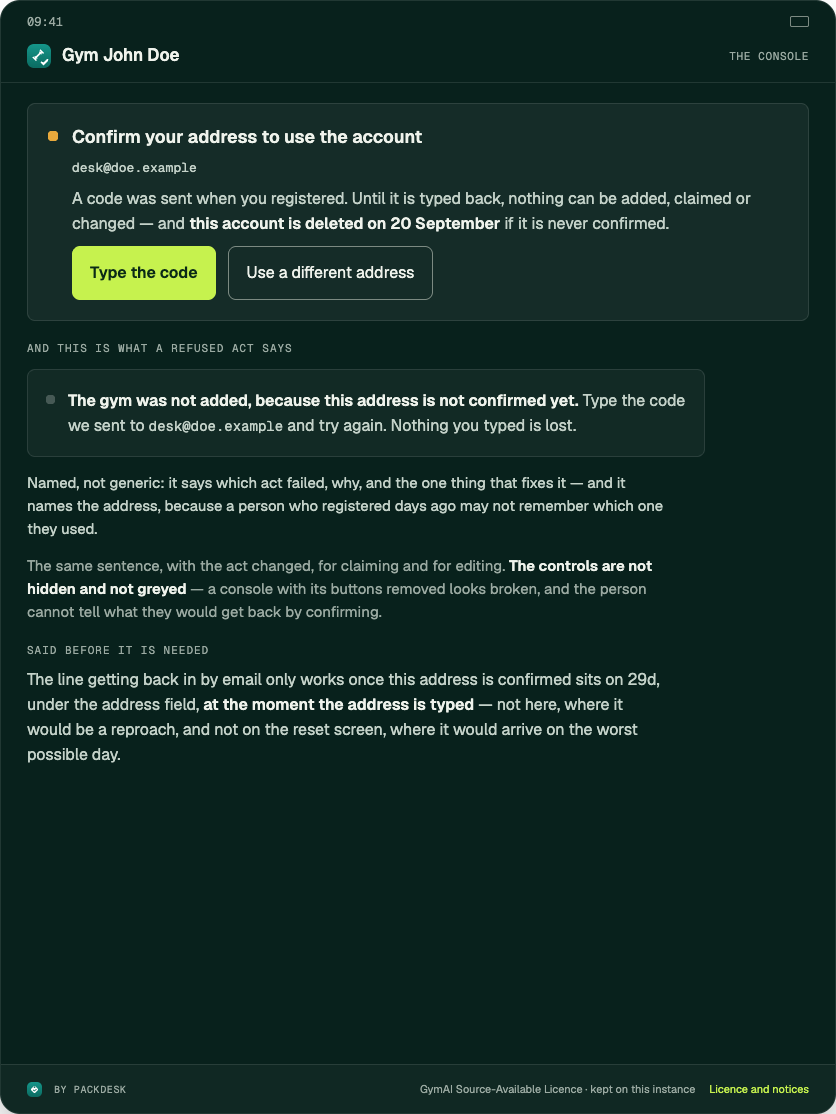
- An unconfirmed account is deleted after seven days. Every console screen shows Confirm your address to use the account with the date it goes.
- Until it is confirmed you cannot add a gym, claim one, or change anything.
If it does not work
- Five wrong tries end that code. Ask for another with Send it again.
- Registering under a different address is not something these screens can do. If the address is wrong, there is nothing on this page that fixes it.
checked against the product 21 September 2026